




Best RocketVPN for iOS in China: Speed & Unblocking
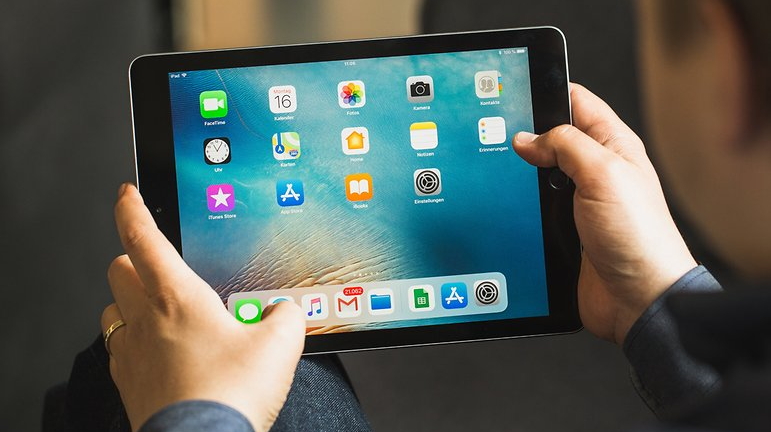
Top VPN for China on iOS: fastest speeds and bypass all restrictions reliably
For every iPhone owner, installing a VPN is essential to protect your financial data from cybercriminals. In China, a VPN for iOS serves as a reliable shield against hackers and enables you to access blocked websites, call friends through free messengers, and continue watching YouTube videos.
What VPN Requirements Matter Most for iOS in China
An analytics firm surveyed over 1,000 tourists and Chinese residents about which VPN they use and why. The research revealed clear priorities:
Speed — this metric ranks first for nearly half of all respondents. It's crucial for streaming films and series, plus sharing high-quality photos on social networks. RocketVPN delivers zero buffering with unlimited data transmission capacity.
Bypassing the Great Firewall — the second most important factor is the ability to circumvent any blocking from China's internet restrictions. This matters given the unstable internet during peak hours, but RocketVPN's dedicated servers within China ensure stable iOS connectivity 24/7.
Anonymity — China's government monitors its residents closely, with phone calls intercepted and all messaging surveilled. RocketVPN provides complete anonymity while browsing in China through military-grade encryption that cannot be broken or decrypted under any circumstances.
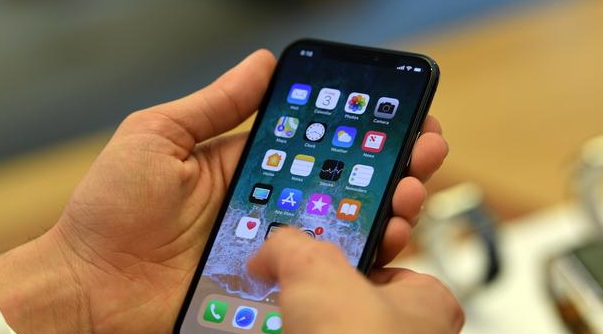
RocketVPN for iOS in China is also convenient because you can install it on iPhone, iPad, and Mac using just one license. This ensures excellent value—when you purchase a subscription, you get access on 5 devices simultaneously. At just $5 per month, or half that price for six-month commitments, it's an affordable choice.
Setting Up VPN for iOS in China
iOS is convenient because there's virtually nothing to configure manually—nearly everything works automatically. We've made RocketVPN for iOS equally simple: the app automatically applies optimal settings, though you can always adjust them manually if needed.