



Android PPTP Setup — Rocket VPN
Step-by-step guide to set up a PPTP VPN connection on Android phones and tablets.
Setting up a PPTP VPN on Android phones and tablets
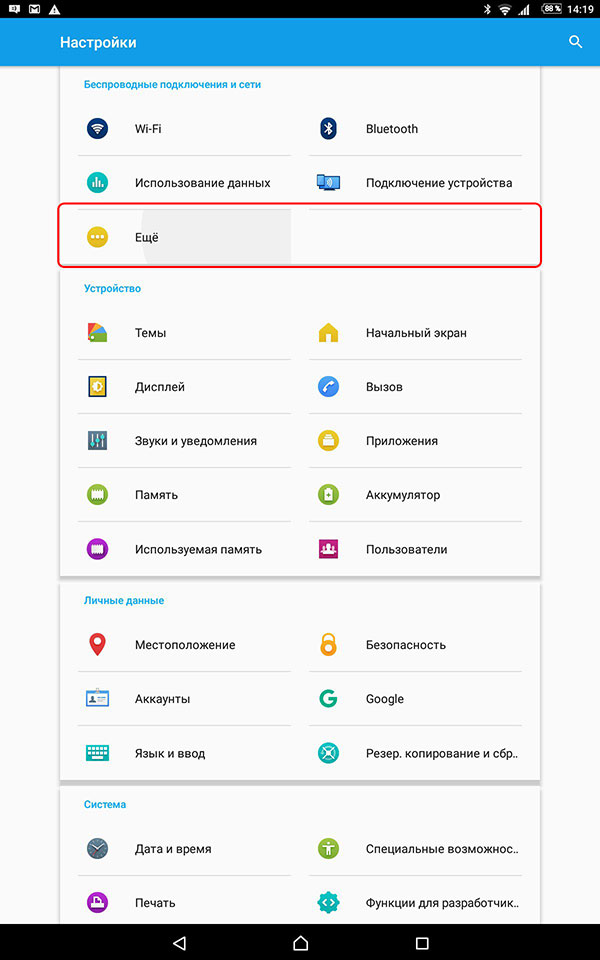
1. Open the system connection settings and tap "More"
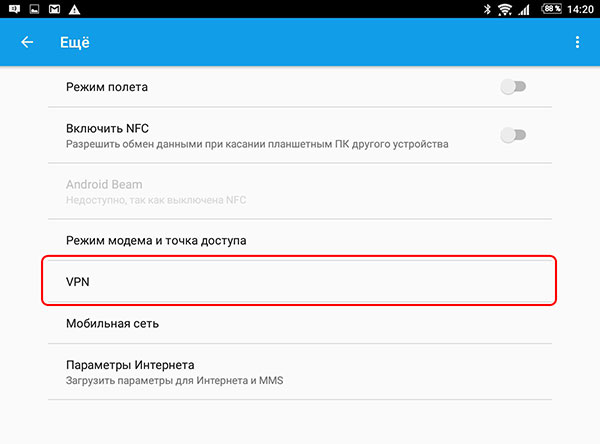
2. Select VPN
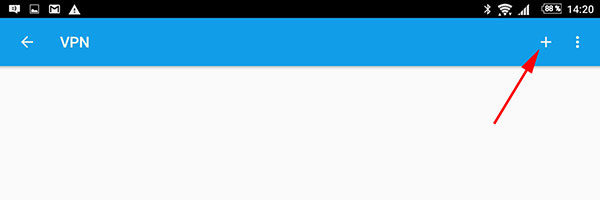
3. Tap "+" to add a connection
4. Enter the details from your personal account and save them
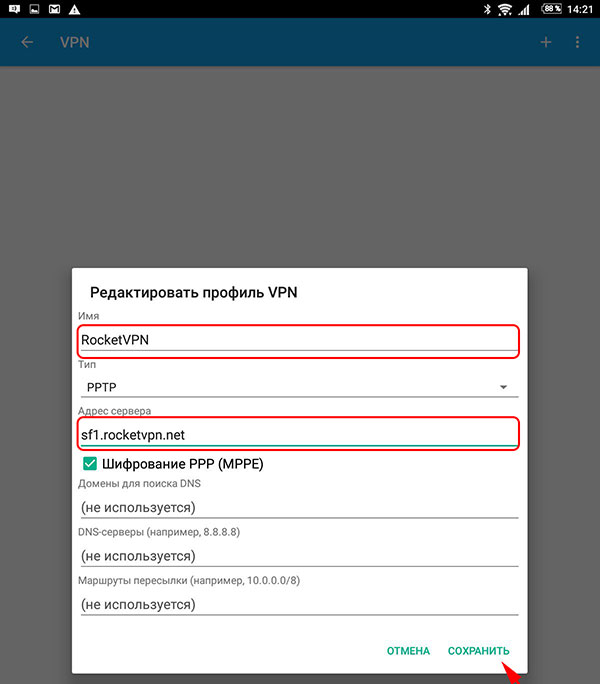
5. Select the RocketVPN profile
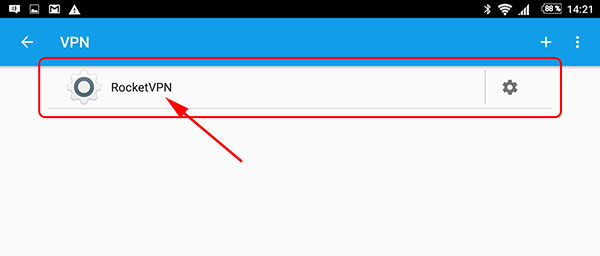
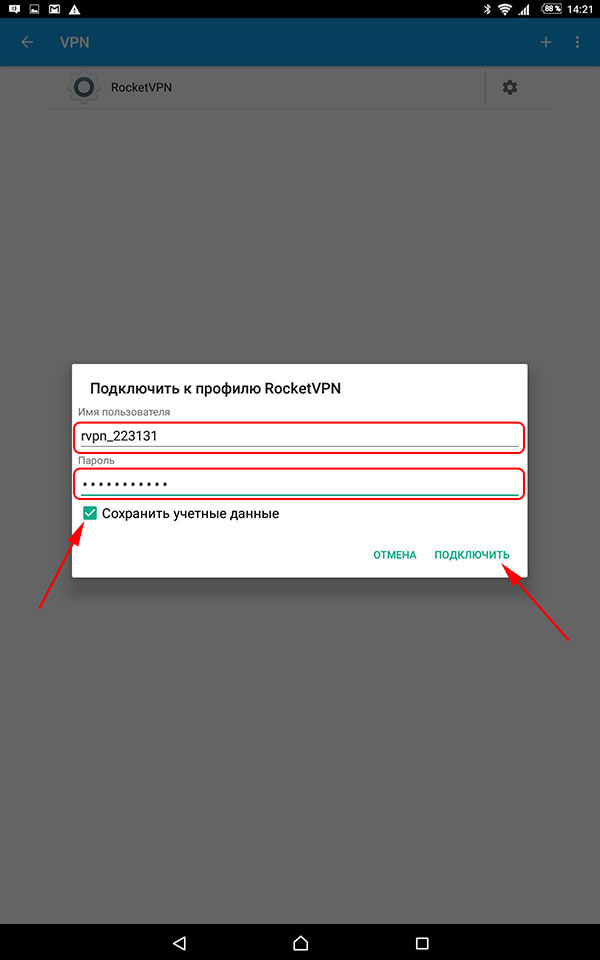
6. Enter the login and password from your personal account, save them and tap "Connect"